


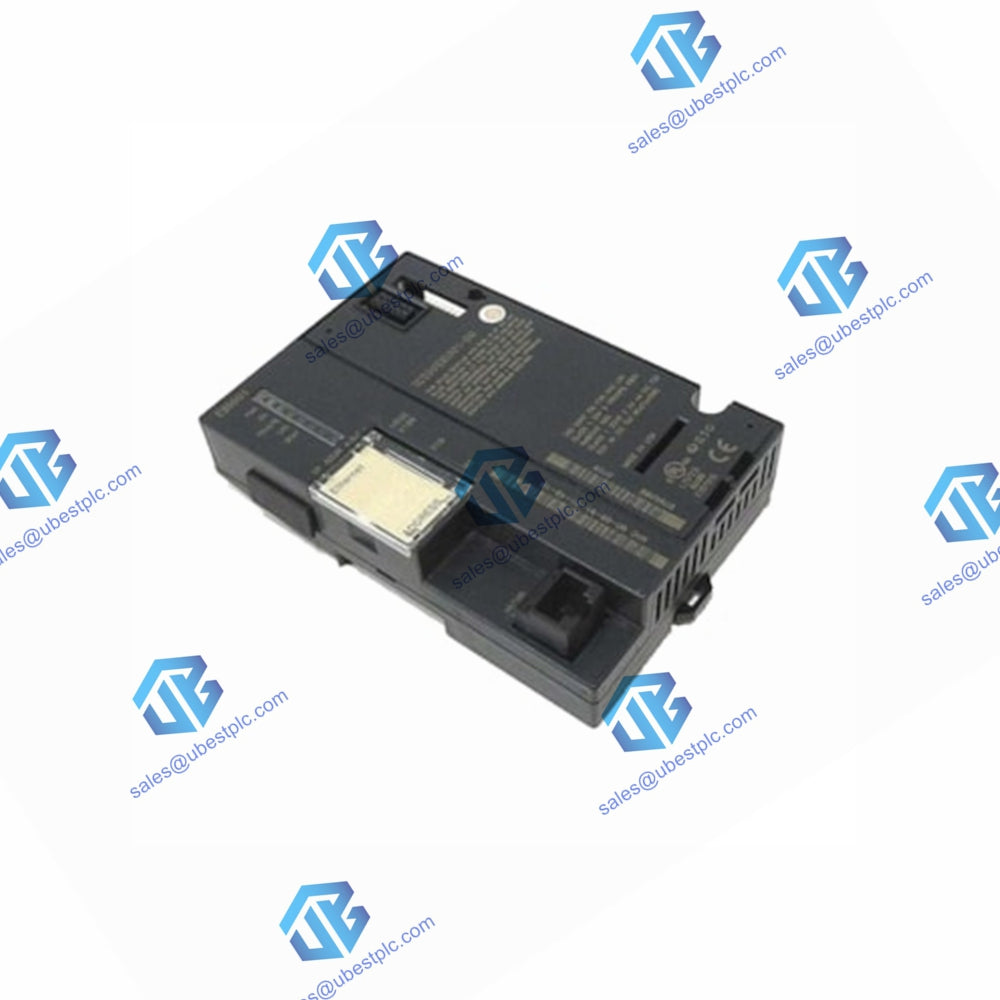

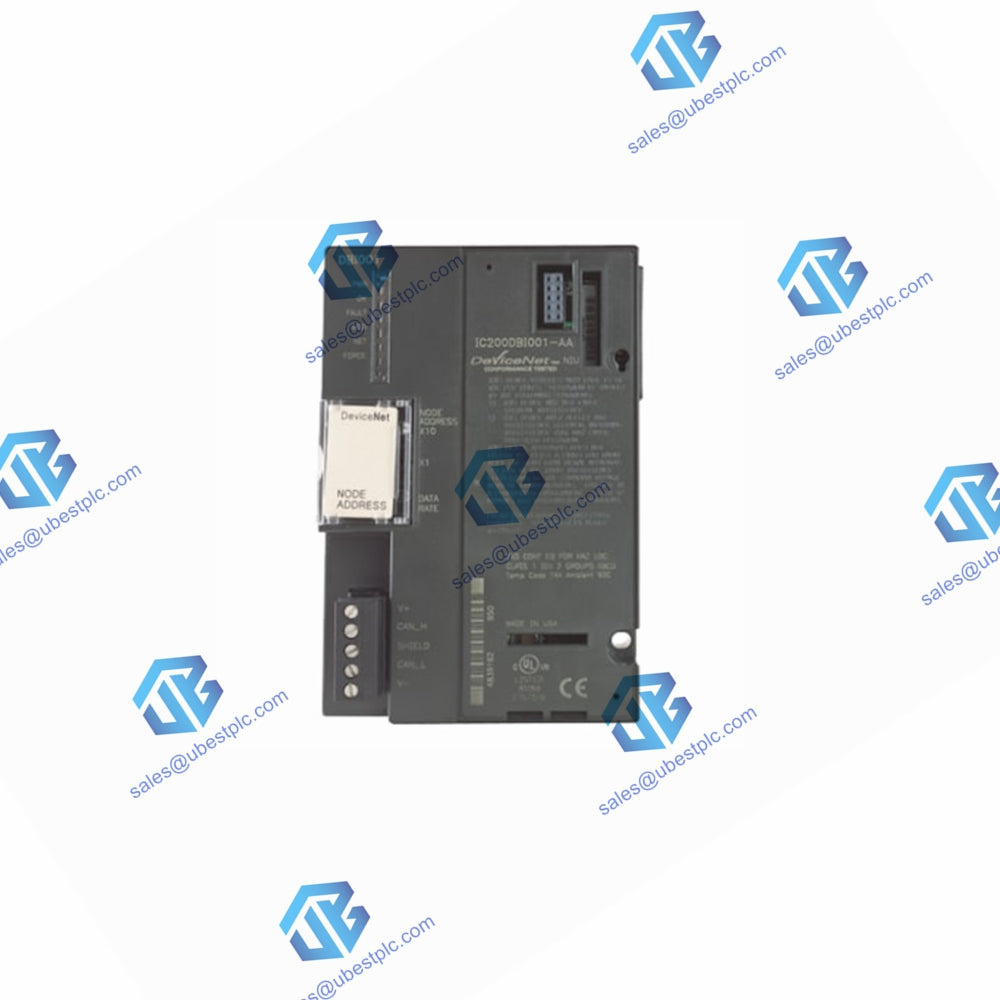
GE Fanuc IC200BEM002 Profibus DP Network Module | Versamax Series
UBEST – Fournisseur mondial de pièces d'automatisation de confiance
Nous proposons une large gamme de pièces de rechange pour l'automatisation industrielle en stock. Tous les produits bénéficient d'une garantie de 12 mois et d'un remboursement sous 30 jours en cas de problèmes de qualité.
GE Fanuc IC200BEM002 Profibus DP Communication Module
Connect your system with the IC200BEM002 module. This Versamax network module links PLCs to Profibus DP networks. It offers fast data exchange. Supports many stations. Easy to install and use. Perfect for industrial automation.
Key Benefits
- Fast Data Transfer: Speed from 9.6 Kbaud to 12 Mbaud.
- Large Network Support: Connect up to 32 stations directly, 125 with a repeater.
- Easy Setup: Simple 9-pin D-sub connector.
- Clear Status Lights: LED indicators for power and communication.
- Flash Memory: Firmware can be upgraded easily.
Technical Specifications
| Brand | GE Fanuc |
| Series | Versamax |
| Model | IC200BEM002 |
| Module Type | Network Communication |
| Protocol | Profibus DP |
| Data Rate | 9.6 Kbaud to 12 Mbaud |
| Max Stations | 32 (no repeater), 125 (with repeater) |
| I/O Data Capacity | 384 bytes |
| Input Impedance | 135-165 ohms |
| Connector Type | 9-pin D-sub |
| Power Consumption | 460mA @ 5V DC |
| Mounting | DIN Rail |
Installation Guide
Make sure the module is unlocked. Align connectors and push until it clicks. Use Profibus DP cable. Wire gauge must be greater than 0.64mm. Keep away from heat sources.
Compatibility
Works with GE Versamax systems. Connects to Profibus DP networks.
Warranty
Full 12-month warranty included.
Shipping
Fast worldwide shipping via FedEx, UPS, and DHL.
Frequently Asked Questions
What is this module used for?
It connects Versamax PLCs to Profibus DP networks for data communication.
How many devices can I connect?
You can connect 32 stations directly. Use a repeater for up to 125 stations.
What cables are required?
You need standard Profibus DP cables for connection.
How do I update the firmware?
Connect to a computer using the serial port for easy flash memory updates.
What do the LED indicators show?
The power LED shows module power status. The COM LED shows communication activity.
© 2025 Ubest Automation Limited. All rights reserved.
Original Source: https://www.ubestplc.com/
Contact: sales@ubestplc.com | +86 180 3000 5825