


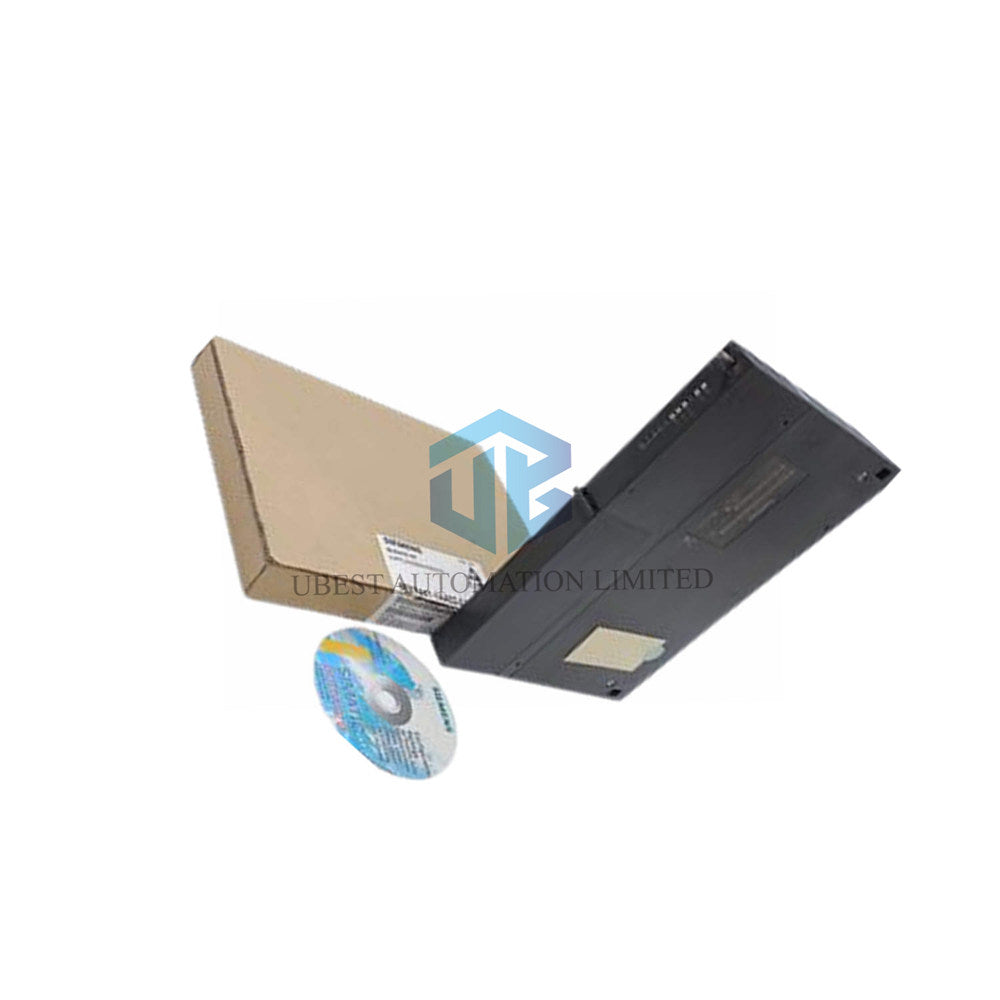
Siemens 6ES7441-1AA03-0AE0 | Serial Communication Module
UBEST – Trusted Global Automation Parts Supplier
We offer a wide range of in-stock industrial automation spare parts. All products come with a 12-month warranty and a 30-day refund for quality issues.
Siemens 6ES7441-1AA03-0AE0 - Versatile Serial Communication Module for S7-400
Unlock flexible serial connectivity with the Siemens 6ES7441-1AA03-0AE0 communication processor. This CP 441-1 module is a dedicated serial communication card for the SIMATIC S7-400 PLC, enabling reliable point-to-point data exchange with a wide array of third-party devices. It supports multiple physical interfaces (RS232, RS422/485, 20mA TTY) and standard protocols, making it the ideal link for printers, barcode scanners, drives, and other serial equipment.
Complete Technical Specifications
Brand & Series: Siemens SIMATIC S7-400
Full Model Number: 6ES7441-1AA03-0AE0 (Communication Processor CP 441-1)
Module Type: Serial Communication Module, 1 Channel
Physical Interfaces: Selectable via plug-in submodule: RS232C (V.24), RS422/485 (X.27), 20mA TTY
Maximum Transmission Rate: 38.4 kbit/s (19.2 kbit/s for 20mA TTY)
Integrated Protocols: 3964(R), ASCII, Printer Driver (HP DeskJet/LaserJet, IBM Proprinter, User-defined)
Maximum Cable Length: 10m (RS232), 1200m (RS422/485), 1000m (20mA TTY) - all shielded
Power Supply: From S7-400 backplane (5V DC, max 700 mA) + 24V DC for certain submodules
S7 Communication: Supports S7 extended communication for data exchange between Siemens PLCs
Configuration: Via Siemens STEP 7 software (configuration package included on CD)
Memory Requirements on CPU: 1-5 KB for parameters, up to 55 KB for message texts
Dimensions (W x H x D): 25 mm x 290 mm x 210 mm
Weight: Approx. 720 g (Module) + 100 g (Interface submodule)
Installation & Compatibility Guide
Install the main 6ES7441-1AA03-0AE0 module into your S7-400 rack. Then, select and attach the required interface submodule (sold separately) for your desired physical standard (RS232, RS422/485, or 20mA TTY). Use the included configuration package in STEP 7 to set the protocol, baud rate, data format, and other parameters. It is compatible with devices supporting standard serial protocols like modems, scales, displays, and older control systems.
Package Contents & Warranty
What's Included: 1 x Siemens CP 441-1 Communication Module (6ES7441-1AA03-0AE0) and Configuration Software on CD.
Note: The physical interface submodule (RS232, RS422/485, or 20mA TTY) is typically sold separately. Please verify your order.
Our Guarantee: This product is covered by a full 12-month warranty.
Fast Global Shipping
We ensure prompt delivery worldwide via FedEx, UPS, and DHL.
Frequently Asked Questions (FAQ)
What interface submodule do I need to buy separately?
You need one of these: RS232 (6ES7964-1AA04-0AA0), RS422/485 (6ES7964-1AB04-0AA0), or 20mA TTY (6ES7964-1AC04-0AA0). Choose based on the port type of the device you are connecting to.
Can I connect this module to a barcode scanner?
Yes, absolutely. Using the ASCII protocol driver over an RS232 or RS422 interface is a common and reliable method to read data from serial barcode scanners into an S7-400 PLC.
What is the 20mA TTY interface used for?
The 20mA current loop (TTY) interface is an older, very robust standard known for excellent noise immunity over very long distances (up to 1000m). It's often found in legacy teleprinters, industrial terminals, and some specialized field equipment.
How do I print data from my PLC?
Use the integrated printer driver. Connect a compatible printer (like an HP LaserJet) via RS232. The module handles the formatting and transmission, allowing your PLC program to easily send data strings for printing labels or reports.
Is programming knowledge required to set it up?
Minimal programming is needed. Most setup is done through configuration screens in STEP 7 where you select protocols and set parameters. You will need to write simple logic in your PLC to send or receive data blocks via the configured communication driver.
© 2026 Ubest Automation Limited. All rights reserved.
Original Source: https://www.ubestplc.com/
Contact: sales@ubestplc.com Phone: +86 180 3000 5825